



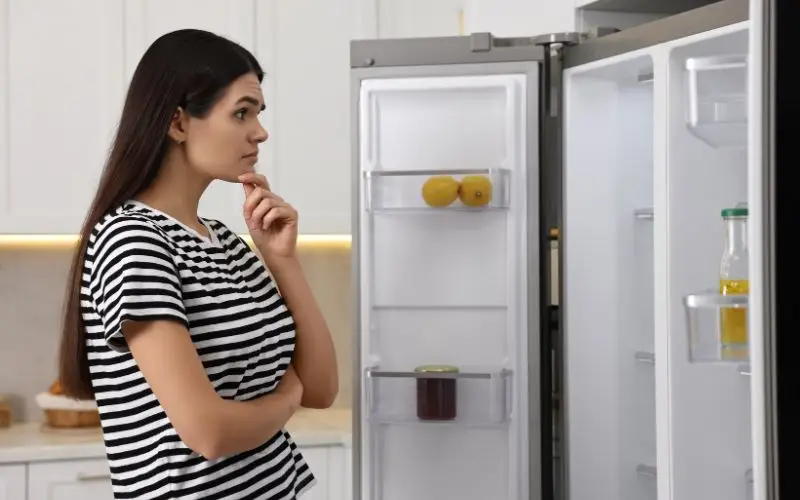
Does your fridge stay dark when you open the door? Do you need a torch to find the milk?
If so, you are probably asking a simple question: why is my fridge light not working?
A dark fridge is annoying. Your food may still be cold, but you cannot see what you need. Sometimes the cause is just a blown bulb. Other times it is a faulty door switch, a damaged LED board or a problem with the power supply. On some fridges, a dark light can also be an early sign of a wider fault.
This simple guide was written by our London repair engineers. It explains why the light may have gone out, which safe checks you can do at home and when to call a professional.
Quick Answer: Why Is My Fridge Light Not Working?
The fridge light is controlled by a small door switch. When you open the door, the switch releases and the light comes on. When you close the door, the door presses the switch in and the light goes off.
If the light stays dark when the door is open, one of these may be the cause:
- The bulb has failed.
- The LED light board is faulty.
- The door switch is stuck or damaged.
- There is a wiring or connection fault.
- The main control board is not sending power to the light.
4 Common Reasons Your Fridge Light Has Gone Out
1. A Dead Bulb or Faulty LED Board
Older fridges use small screw-in or push-fit bulbs, which wear out over time. Many modern fridges use LED strips or modules. LEDs last a long time, but they can fail after water damage or a power surge.
2. A Stuck Door Switch
Look at the inside edge of the fridge frame. You should see a small plastic button or switch. Spilled food and juice can make it sticky. If the switch stays pressed in, the fridge thinks the door is closed, so the light stays off.
Some models use a hidden magnetic sensor instead of a button. If the magnet or sensor is damaged or out of position, the light may not work.
3. A Wiring or Connection Problem
Loose wires or damaged connectors behind the light cover can stop power reaching the bulb. Moisture can also corrode small metal pins over time.
4. A Faulty Control Board
On many fridges, the main control board manages the light, fans and cooling. If a power surge damages the board, the light may stop working along with other functions.
Warning Signs of a Bigger Problem
A dark light is not always just a light problem. Watch out for these signs:
- The light flickers or dims before going out.
- The inside of the fridge feels warm.
- Food and milk go off quickly.
- You hear clicking or other unusual sounds from the back. Our guide on why your fridge is making a buzzing or humming noise explains what is normal and what is not.
- Ice builds up on the back wall.
Some digital fridges also show an error code when a part fails. Codes vary by brand and model, so check your manual to see what yours means.
4 Safe Steps to Check Your Fridge at Home
Step 1: Turn Off the Power
Safety comes first. Switch the fridge off at the wall socket and unplug it before touching any light parts.
Safety warning: Never open electrical parts of the fridge. Water and electricity do not mix. Contact a professional for any electrical work.
Step 2: Test the Door Switch
- Open the fridge door wide.
- Find the small plastic switch on the inner frame.
- Press it in and out with your finger.
- It should spring back easily.
- If it feels sticky, clean it with a warm, damp cloth and dry it well.
Step 3: Check the Bulb or LED
- Make sure the fridge is unplugged.
- Carefully remove the plastic light cover.
- If it is a normal bulb, check whether the glass looks blackened or broken.
- If it is an LED, look for water droplets or dark burn marks on the board.
- Replace a bulb only with the type and wattage shown in your manual.
Step 4: Check the Wall Socket
If the whole fridge is dark and silent, the problem may be the power supply. Plug in a lamp or phone charger to check that the socket works. Also check that the plug is fully pushed in.
Damp Air and Power Surges in London Homes
Small power surges can happen in any home, and they can damage delicate LED boards. In small London flat kitchens, damp air can also form droplets in and around the light cover. Over time, this can rust the metal pins and cause the light to fail.
If you notice water pooling inside your fridge as well, read our guide on why your fridge is leaking water inside.
When Should You Call an Engineer?
Changing a bulb is an easy DIY job. Testing LED boards and wiring needs the right tools and training.
Speak to an engineer if:
- A new bulb does not fix the problem.
- The fridge is dark and has stopped cooling.
- You smell burning plastic near the light cover.
- The fridge trips your fuse box.
- An error code stays on the display.
An engineer will use a multimeter to test the wiring and switches safely.
Frequently Asked Questions
Will a dead bulb stop my fridge from cooling?
No. A dead bulb on its own does not affect cooling. But on some models, a faulty door switch can make the fridge think the door is open, which may affect the fan and cooling.
How do I know if my fridge uses an LED light?
LED lights are usually flat, thin strips or small modules, not glass bulbs. On many models, the whole LED unit has to be replaced rather than a single bulb. Check your manual for details.
Is it safe to use a fridge with no light?
If only the bulb has failed, it is safe to keep using the fridge. If you suspect a wiring fault, it is best to have it checked quickly.
Why does my new bulb flicker?
Flickering usually points to a loose connection or a faulty door switch behind the light cover.
Need Help With a Dark Fridge?
Is your fridge light staying dark? Has your fridge stopped keeping food cold?
A faulty fridge can spoil your food quickly. Our local engineers cover all London boroughs and can help with Bosch, Samsung, Beko, Hotpoint, Indesit, LG and Siemens fridges. We can repair door switches, LED modules, fans and control boards.
If the simple checks have not solved the problem, book a visit for Fridge Repair in London and get clear pricing and expert help at your home. Contact our friendly team at London Appliance Repair now.