

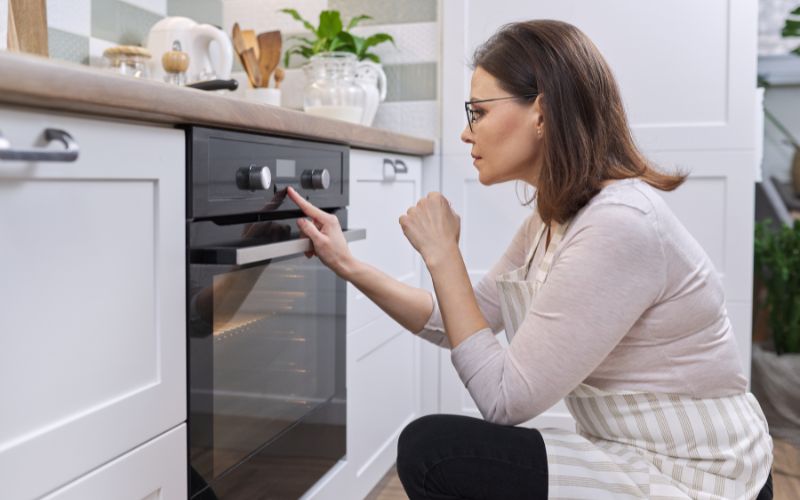
Does your oven display “0:00” or a flashing clock? Does the oven light come on, but the oven stays cold?
If so, you are probably asking a simple question: why is my oven timer not working?
On many electric ovens, a dark or flashing clock can stop the oven from heating. Some models need the clock to be set before they will cook. After a power cut, the display may reset and leave the oven in a locked or automatic mode.
This easy guide was written by our London engineers. It explains why oven clocks fail, how to reset yours safely and when to call a professional.
Why Does the Clock Affect Oven Heating?
Your oven clock is more than a timer. On many models it is part of the electronic control board that manages the oven’s functions.
When you turn the oven knob, the control board checks the settings and sends power to the heating elements. If the clock is flashing or the board has a fault, the oven may not heat, even though the light or fan still works.
4 Common Reasons an Oven Clock Stops Working
1. Power Cut or Reset Glitch
A sudden power cut can reset the clock. Many ovens, including models from Bosch, Hotpoint and Beko, flash “0:00” or “AUTO” afterwards. Some will not heat until the time is set and the oven is switched back to manual mode.
2. Grease Under the Buttons
Hot steam and grease escape around the oven door. Over time, grease can seep into the clock buttons and make them sticky. A stuck button can stop the control board responding, so pressing the clock does nothing.
3. Burnt Relays on the Control Board
Behind the display is a circuit board with small switches called relays. They send power to the oven elements and grill. High heat and age can wear them out. If a relay fails, the screen may stay dark, or the clock may work while the oven does not heat.
4. Faulty Temperature Sensor
The temperature sensor tells the control board how hot the oven is. If it fails, the oven may stop heating for safety or cook unevenly. If your oven heats but cooks unevenly, read our guide on why your oven is not heating evenly.
Signs Your Oven Timer or Clock Is Faulty
Look out for these warning signs:
- The screen flashes “0:00”, “12:00” or “AUTO”.
- The oven light is on, but the oven does not heat.
- The timer runs, but your food stays raw.
- The display is dim or flickers.
- You hear a clicking sound behind the knobs.
Some ovens also show an error code when the control board has a fault. Codes vary by brand and model, so always check your oven manual to see what a specific code means.
4 Quick Steps to Reset Your Oven Clock
Step 1: Turn Off the Power
Safety comes first. Many UK ovens are connected to a cooker switch or the fuse box rather than a plug. Switch the oven off at the cooker switch or fuse box. If it has a plug, unplug it from the wall socket.
Safety warning: Never open electrical panels or touch wiring. Contact a qualified professional for any electrical work.
Step 2: Do a 5-Minute Power Reset
- Switch off the power to the oven.
- Wait for five full minutes. This clears the memory.
- Switch the power back on.
- Check whether the display lights up or flashes “0:00” or “AUTO”.
Step 3: Switch Back to Manual Mode
If your screen shows “AUTO”, the oven may be in automatic mode and will not heat until you switch it back to manual.
- Press the two timer buttons together. These are usually the bell and the cooking time buttons, but check your manual.
- Use the plus (+) and minus (-) buttons to set the time.
- Wait for the “AUTO” sign to disappear and the manual symbol to appear.
- Turn the oven dial on and check whether it heats.
Step 4: Wipe Away Sticky Grease
- Make sure the power is switched off.
- Wipe around the clock buttons with a slightly damp cloth. Do not spray liquid onto the panel.
- Dry the area fully before switching the power back on.
How Steam and Power Surges Affect Your Clock
Power surges can damage the delicate parts of a digital control board. Worn door seals can also let hot steam into the control panel, which may cause a short circuit. Check your door seal regularly and replace it if it looks cracked or loose.
When Should You Call an Engineer?
Setting the clock is an easy job. Repairing a burnt circuit board needs the right skills and tools.
Speak to an engineer if:
- The screen stays dark after a power reset.
- The oven does not heat even after you set the time.
- You smell burning plastic near the dials.
- The oven trips your fuse box. Our guide on why your oven keeps tripping the fuse explains the common causes.
- An error code stays on the screen.
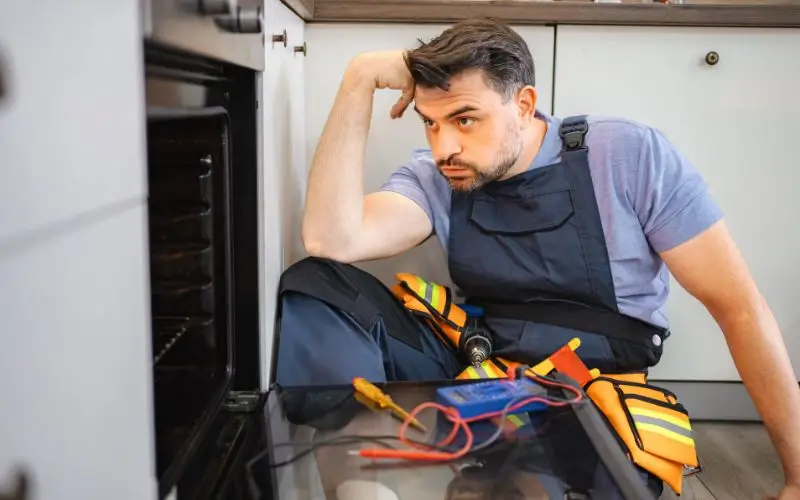
An engineer will use a multimeter to test the relays and wiring safely.
Frequently Asked Questions
Why does my oven light come on, but there is no heat?
This is often a sign that the clock has not been set, or the oven is still in automatic mode. Many ovens will not heat until the time is set and manual mode is selected.
Can I use my oven without a working timer?
It depends on the model. If the control board is faulty, the oven may not heat at all. An engineer should check and repair or replace the board safely.
How do I clear the “AUTO” sign on my oven?
Press the two main timer buttons together, then set the time with the plus and minus buttons. The exact buttons vary, so check your manual.
Why does my oven clock keep resetting?
It could be a loose power connection, a power supply problem or a worn part on the control board. If it keeps happening, ask an engineer to check it.
Need Help With Your Oven Clock?
Is your oven clock dark, or is your oven refusing to heat?
Our local engineers cover all London boroughs and can help with Bosch, Hotpoint, Beko, Samsung, Indesit and Neff ovens. We can repair control boards, heating elements, sensors and door seals.
If a reset has not solved the problem, book a visit for Oven Repair in London and get clear pricing and expert help at your home. Contact our friendly team at London Appliance Repair now.